
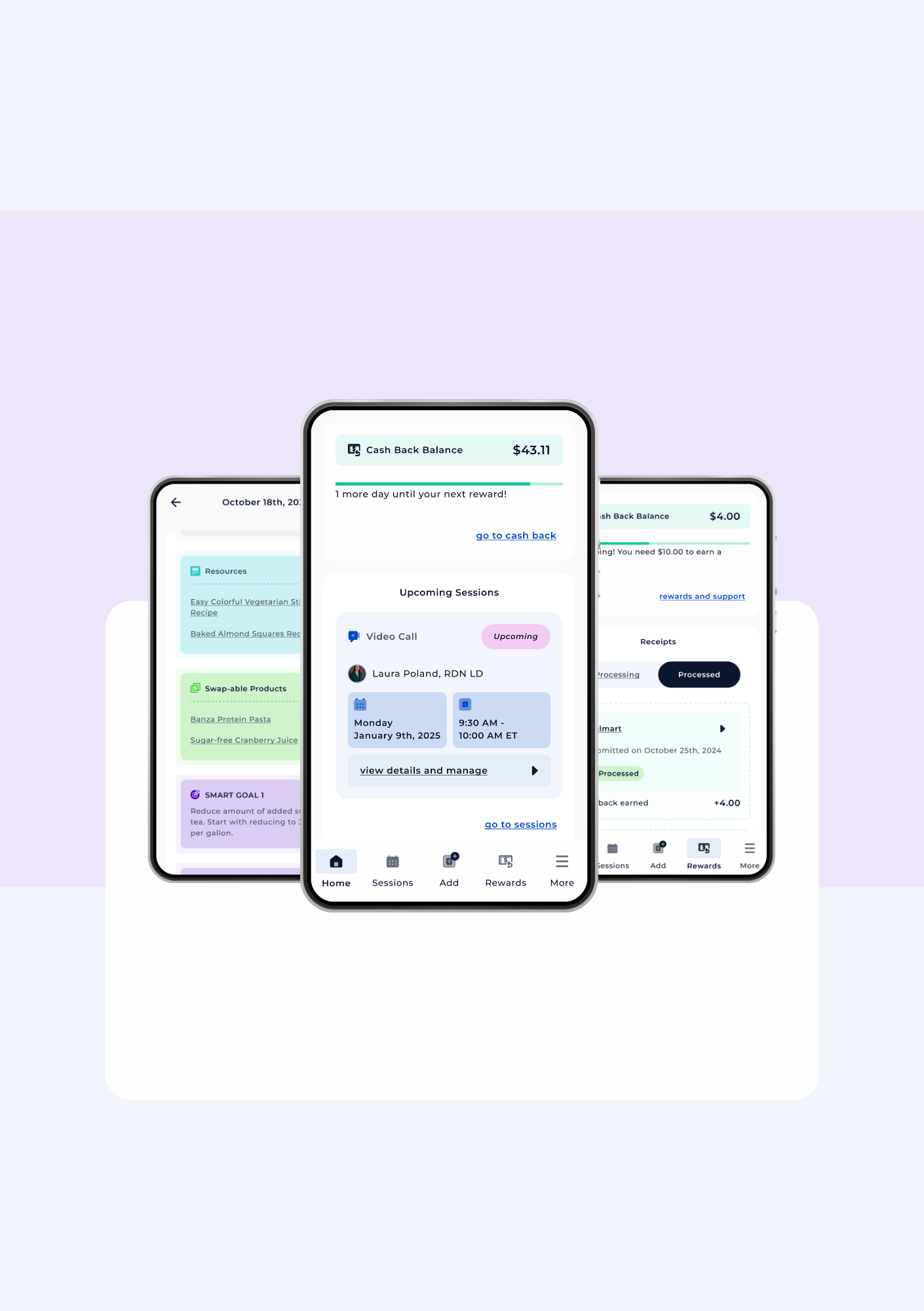
The Swap Health App
Here, you can learn more about how to use the Swap Health app. You can also scroll below to see video guides on different features of the app.
Scheduling a Session with your dietitian
Important reminders:
You can only schedule 1 upcoming session at a time through the Swap Health app.
It is possible for your dietitian to schedule more than 1 session for you, however, so if you would like recurring sessions, you can speak with your dietitian about doing so. Any sessions you have scheduled will appear in the app.
You will only be able to schedule sessions with your assigned dietitians. If you would like to request changing your dietitian, you will have to reach out to scheduling@swaphealth.com
If you would like to reschedule your session, you will need to cancel your upcoming session to reschedule via the app. You can also contact your dietitian, our Patient Care Coordinators, or Support Team if you need help rescheduling.
You can schedule longer or shorter sessions, but you will need to speak with your dietitian or the Scheduling team for this specific request.
Canceling a Session
Important reminders:
If you need to cancel your session, please try to cancel your session at least 24 hours in advance. Late-cancellation fees may be applied for sessions cancelled within 24 hours of your original session.
Joining a Session

Important reminders:
If you selected a video call, you will see a link to “Join Your Session” . Click on this link at the time of your session and it will open Zoom Video Conferencing so you can join your session.
If you selected a phone call, your dietitian will call you at the time of your session. Please note your dietitian may call you from an unknown number.
You will also receive text and/or email reminders about your sessions!
View Session Summaries
Important reminders:
It may take up to 24 hours for you to see your session summary updated!